
A broken HDMI port is one of the most common PS4 hardware failures we see in our repair shop. How to replace HDMI port on PS4 ? It usually happens after a single rough tug on the cable — and suddenly your console is completely unusable.
This guide covers everything: how to diagnose the problem, whether it’s worth fixing, what a repair actually costs, and a full step-by-step walkthrough of the replacement process. We’ll also cover what to do if you want to avoid soldering entirely.
Before you pull out a soldering iron, confirm the port is the real problem. Other issues can mimic a dead HDMI port.
Common symptoms of a failed PS4 HDMI port:
| Pro tip:
Shine a light at a 45-degree angle into the PS4 port. If you see the pins leaning sideways, or if one or more are missing, the port needs replacing — not just cleaning. |
This is the first question most people ask — and the answer depends on who does the repair and where you are.
| Repair Option | Estimated Cost |
| DIY (parts only) | $5 – $12 |
| Local repair shop | $50 – $100 |
| Mail-in repair service | $60 – $120 (including return shipping) |
| Sony official repair | $150 – $200+ (often cheaper to replace console) |
| Board damage repair (pads lifted) | $100 – $180+ |
The PS4 HDMI port itself costs almost nothing — typically $5 to $12 for a quality replacement part. The labor cost reflects the skill required to solder a surface-mount component with 19 pins on a densely packed motherboard.
At our shop, a standard PS4 HDMI port replacement runs $60–$80 and is usually completed same day. If the board has damaged pads from a previous failed repair attempt, the cost and complexity increase significantly.
For most people, yes — a professional repair is absolutely worth it. Here is why.
A PS4 in good working condition is worth $100–$180 used. A professional HDMI port repair at $60–$80 means you’re getting a fully functional console for roughly half the replacement cost. That’s a strong return.
When fixing it does NOT make sense:
| Our recommendation:
If the PS4 powers on, the controller connects, and the only issue is no display — repair it. The odds of a successful outcome are very high. If the board has visible burn damage or prior botched repairs, get a professional assessment first before spending money. |
Read Also: PS5 Beeps Once But Won’t Turn On? Here’s What You Should Know
Technically yes, but with significant limitations. The PS4 was not designed for primary use without HDMI output.
Your options if you cannot use the HDMI port:
The PS4 Slim and PS4 Pro do not have the AV multi out port, so HDMI is the only physical display output on those models. Remote Play is your only alternative without repairing the port.
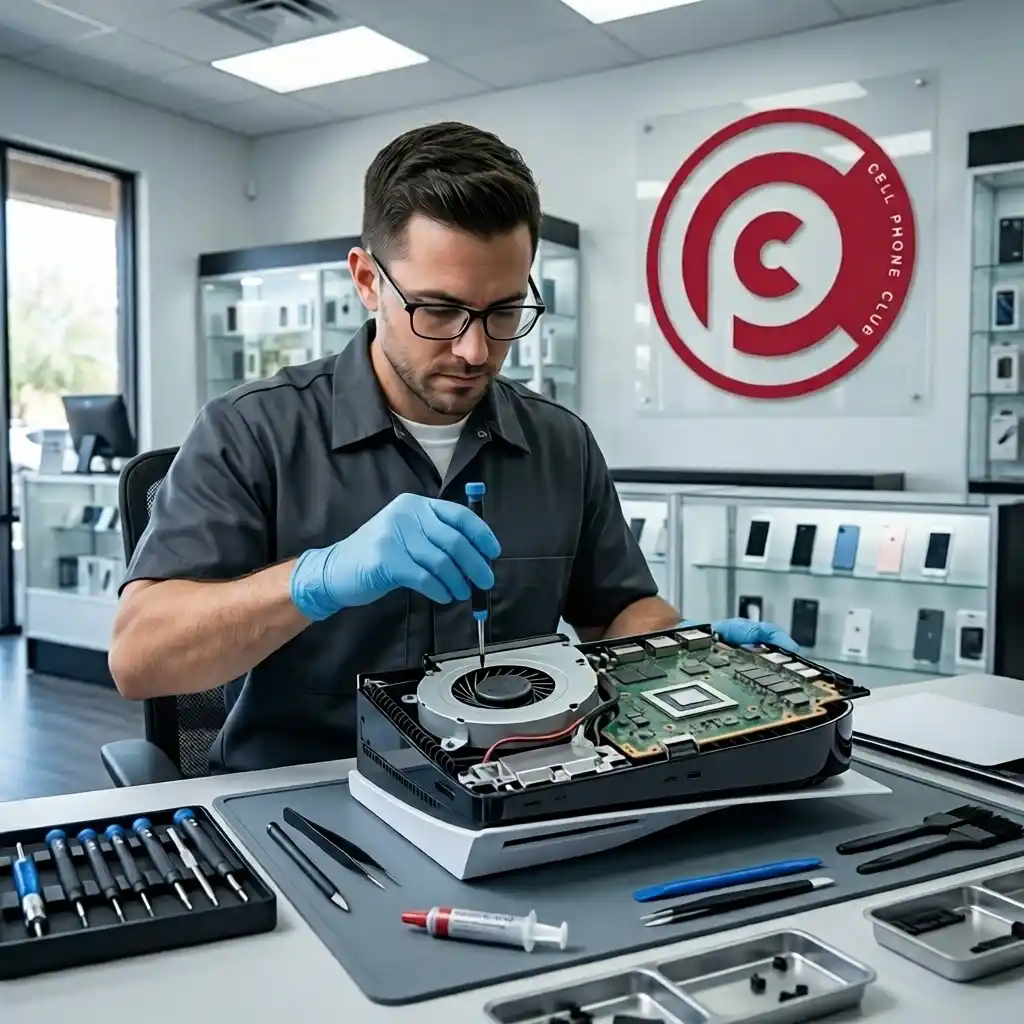
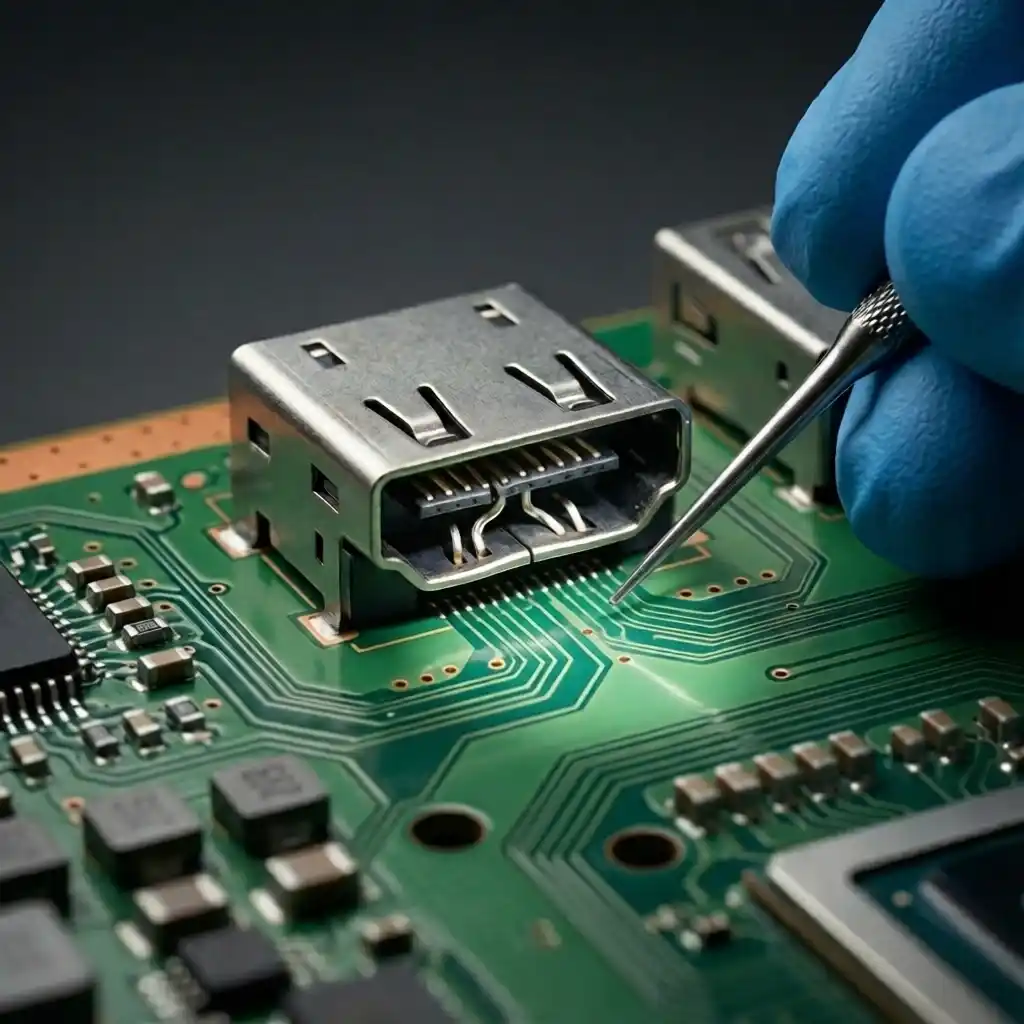
A PS4 HDMI port replacement involves desoldering the damaged port from the motherboard and soldering a new one in its place. It takes an experienced technician 20–40 minutes. DIY is possible but carries real risk — one misaligned pin can permanently damage the board. If your PS4 shows no signal, a distorted image, or a loose port, this guide covers every option.
In some cases, you can restore functionality without a full port swap. Try these first.
Read Also: How to Fix Xbox Series X HDMI Port : The Complete Repair Guide for Gamers
If the port itself is physically intact but has intermittent signal, the solder joints may have cracked. A technician can re-flow them with a hot air station, re-melting the existing solder and re-bonding the connections. This costs less than a full replacement and takes about 10 minutes.
If you can see bent pins inside the port, a thin non-conductive pick or straightened paper clip can sometimes realign them. Work slowly under magnification. This requires a very steady hand and should only be attempted if the pins are slightly out of position — not snapped.
Oxidation or debris on the pins can disrupt signal. Power off the console, use a can of compressed air to clear debris, then lightly clean the internal contacts with 99% isopropyl alcohol on a fine brush. Allow to fully dry before powering on.
| Important:
These fixes work in specific scenarios. If the port is physically broken, has snapped pins, or is visibly loose on the board, a full replacement is the only reliable solution. |
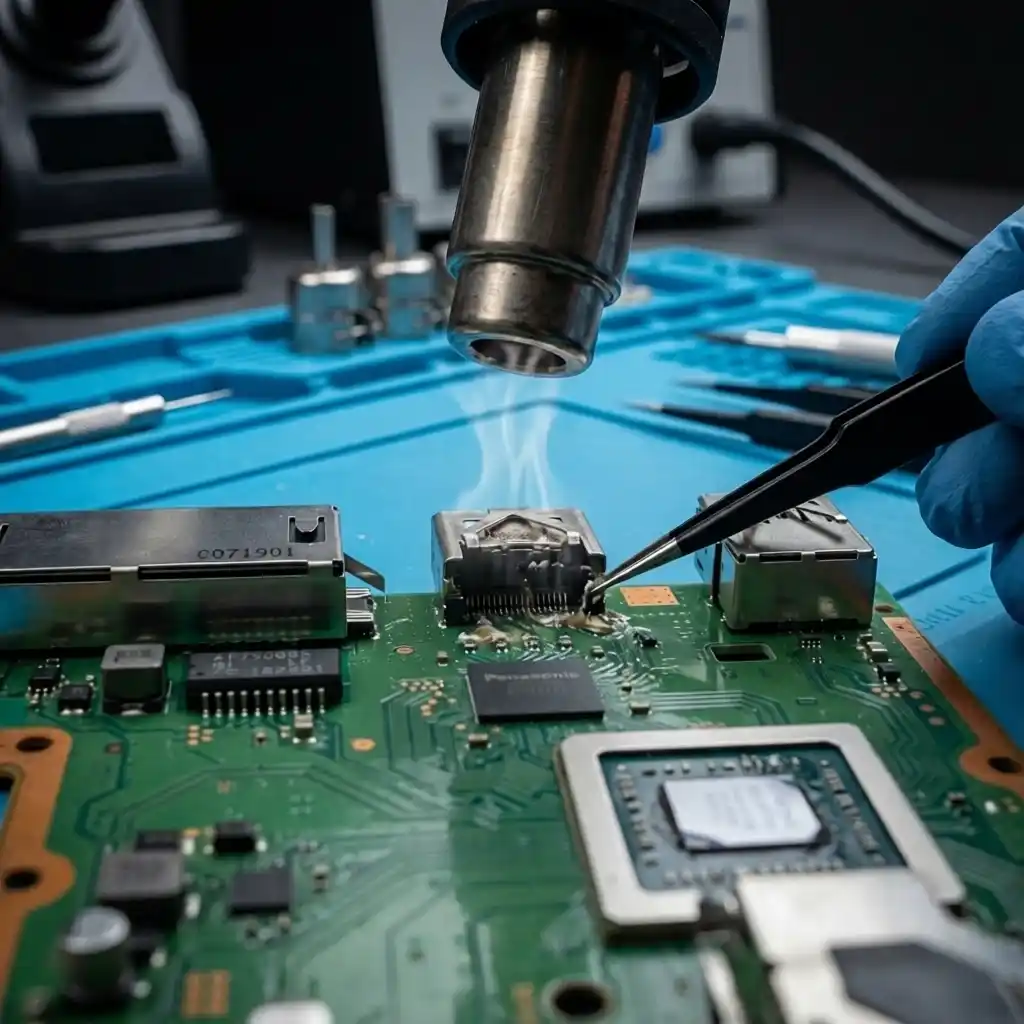
Do not start this repair without having everything on this list. Missing one tool mid-job is how mistakes happen.
Use a PS4-compatible HDMI port with 19 pins and the correct footprint (standard PS4 SMD HDMI type). Confirm compatibility with your specific PS4 model (CUH-10xx, CUH-11xx, CUH-12xx, CUH-20xx Slim, CUH-70xx Pro). Generic ports listed as “PS4 HDMI replacement” on reputable electronics suppliers work well at $5–$12.
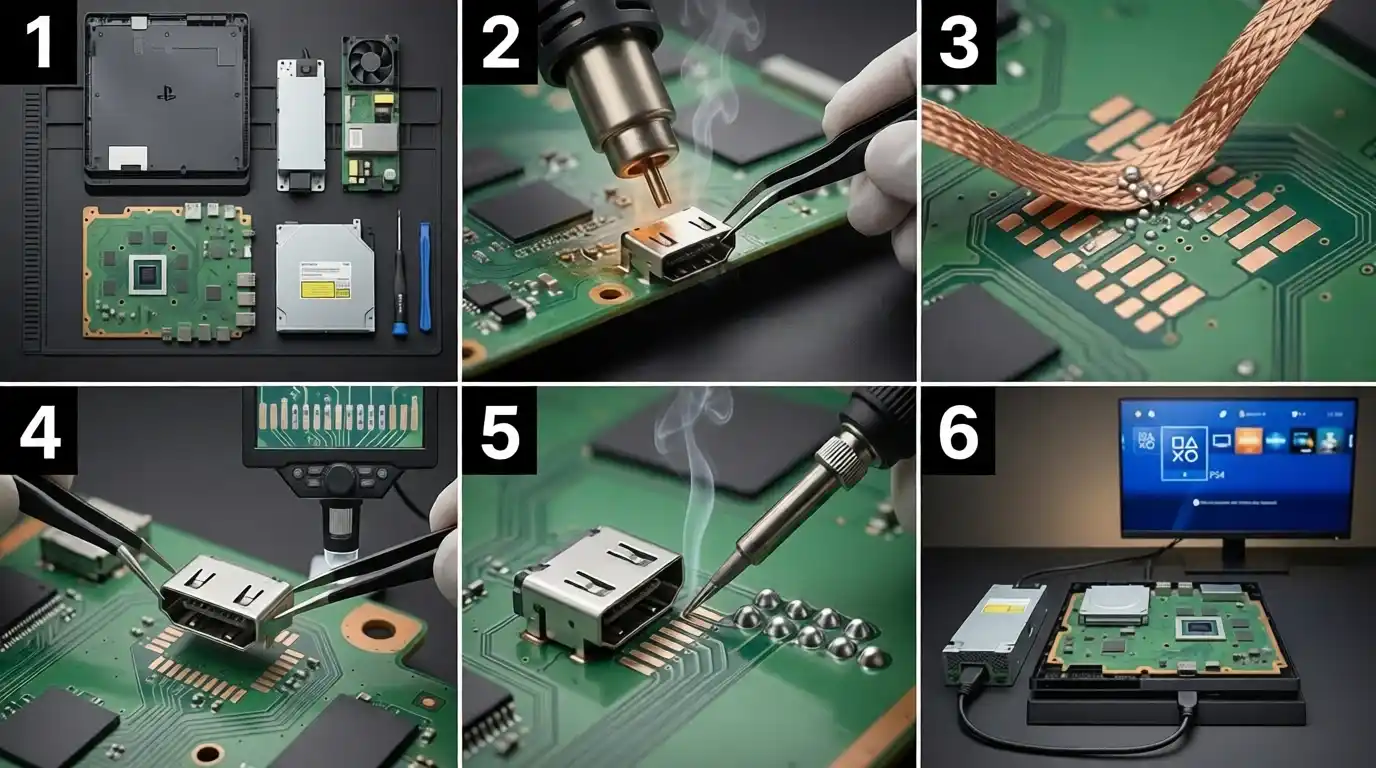
This repair takes most experienced technicians 20–40 minutes. First-timers should budget 60–90 minutes and work without rushing.
| Critical warning:
Never use brute force to remove the port. If it won’t lift after proper heating, apply more flux and more heat. Pulling a port before the solder liquifies is the primary cause of lifted pads — which can turn a $70 repair into a $180 board-level rework. |
We see the same errors repeatedly when consoles come to us after a failed DIY attempt.
 Read Also: Nintendo Switch Charging Port Repair Cost in 2025: What You Really Need to Know
The process for a PS5 HDMI port replacement follows the same general principle but with some important differences.
Key differences on the PS5:
A PS5 HDMI port replacement at a repair shop typically runs $80–$140. Given that a PS5 retails at $499, this repair makes strong financial sense for a console in otherwise good condition.
Some repairs are genuinely DIY-friendly. HDMI port replacement is not one of them for most people.
We recommend professional repair if:
At Cell Phone Club, our technicians perform PS4 and PS5 HDMI port replacements every week.
Visit our game console repair service page to book a repair at our Brooklyn, Astoria, or Glendale AZ location — or mail your console in from anywhere in the US.
| Our repair promise:
Same-day service on most PS4 HDMI replacements. 90-day warranty on all repairs. No fix, no fee. |
Yes, if you have soldering experience and a hot air station. It is a surface-mount repair requiring precision tools and magnification. Without prior SMD soldering experience, the risk of damaging the motherboard is significant. For first-timers, professional repair is the safer and often more cost-effective choice.
An experienced technician completes this repair in 20–40 minutes. That includes disassembly, port removal, cleaning, installation, testing, and reassembly. If there is board damage from a prior failed attempt, diagnosis and pad repair can add another 30–60 minutes.
The most common causes are solder bridges between pins, incomplete solder joints on one or more signal pins, or a misaligned port. Inspect every pin under magnification. Also confirm the HDMI cable and TV are functioning. In rare cases, damage to the display processor on the board can cause no signal despite a perfect port installation.
Sony offers repair services but the PS4 is no longer under standard warranty for most units. Out-of-warranty Sony repairs typically cost $150–$200 or result in a refurbished unit swap. For a console worth $100–$180, this rarely makes financial sense. A qualified local repair shop is almost always the better option.
Damaged pads are usually the result of a previous repair gone wrong. Signs include no signal after a port replacement, visible discoloration or missing copper on the board around the port area, and a port that sits unevenly. Pad repair requires micro-soldering skills and is a job for an experienced technician.
Mildly bent pins can sometimes be carefully straightened with a thin non-conductive tool under magnification. However, snapped or missing pins require a full port replacement. Even after straightening, re-bent pins are weaker and more prone to failure — replacement is a more permanent fix.
The standard PS4 uses an HDMI 1.4 port. The PS4 Pro uses HDMI 2.0, which supports 4K output. These ports are not physically interchangeable — always confirm you are ordering the correct part for your specific PS4 model (CUH-1xxx, CUH-2xxx Slim, or CUH-7xxx Pro).
If the PS4 is otherwise functional — powers on, controller connects, hard drive works — then yes. The repair cost of $60–$80 is well below the cost of a replacement console. The only time we advise against repair is when the console has multiple hardware failures or significant board damage from a prior DIY attempt.
The HDMI port on the PS4 is known to be a weak point in the design. The port is only surface-mounted to the board with relatively few anchor points. Sideways pressure from cable tension, moving the console with the cable attached, or a single sharp impact are the most common causes of failure — none of which require unusual abuse.
It fixes issues caused specifically by a damaged port. If the problem is a failed HDMI transmitter chip on the board, a cable issue, a TV compatibility problem, or a software fault, port replacement will not help. Always complete the diagnostic steps to confirm the port is the actual cause before committing to the repair.