We’ve all been there — waiting forever for a webpage to load or a video to stop buffering, wondering why is my phone service so slow? It’s frustrating, especially when you’re paying for “fast” data. The truth is, slow service can come from many hidden culprits: weak signal, background apps, outdated settings, or even your carrier quietly throttling speeds.
In this complete guide, we’ll uncover every possible reason your phone service crawls — and the exact steps to fix it.
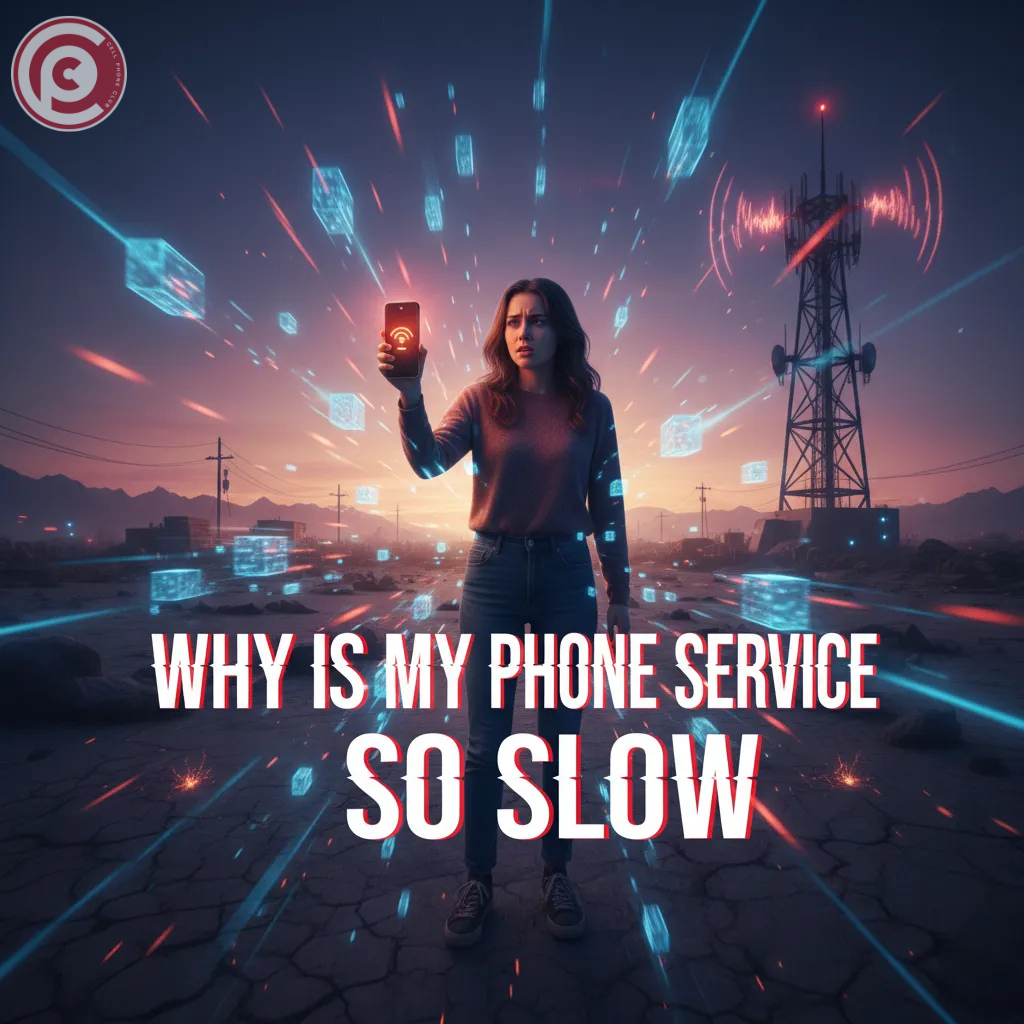
Why Is My Phone Service So Slow
When you ask why is my phone service so slow, the answer usually lies in your connection’s foundation — your signal and your carrier’s network. Think of your phone like a radio tuned to a tower; if that tower is crowded or distant, data traffic slows down. During peak hours, too many people sharing the same tower creates digital “traffic jams.”
Another common cause is poor signal strength. Thick walls, basements, or remote areas can weaken your connection. Sometimes, your service provider may intentionally slow speeds — a process called throttling — once you reach a data limit. Before blaming your phone, remember: even the best devices can’t outrun a weak or congested signal.
Why Is My Cellular Data So Slow

Ever notice your internet dragging the minute you step outside Wi-Fi? If you’re asking why is my cellular data so slow, location plays a huge role. Rural areas, tunnels, or tall buildings often block signals. Even weather conditions can affect how well your phone communicates with the tower.
Another factor is your network mode. Check if you’re stuck on 3G when 4G or 5G is available. Also, your phone’s APN (Access Point Name) settings must be correct for your carrier. A misconfigured APN can strangle data flow, making even simple browsing a headache. Fixing these settings often restores your connection instantly.
How to Fix Slow Cellular Data
If you’re tired of lag and still wondering why is my cellular data so slow, it’s time for some easy fixes. Start simple: toggle Airplane Mode on for 30 seconds and turn it off again. This forces your phone to reconnect to the nearest, strongest tower.
Next, reinsert your SIM card — a dusty or loose card can cause poor connectivity. Then, clear your browser and app cache to free up bandwidth. On Android or iPhone, go to Settings → Reset → Reset Network Settings. This refreshes all data connections. If you’re still crawling, contact your carrier; there may be a temporary outage in your area.
Why Is My Phone Data So Slow
If your mobile internet feels like dial-up, software may be the culprit. When too many background apps update or sync data at once, your bandwidth gets split. Apps like Instagram, Maps, or cloud backups constantly “check in,” eating up your speed without you realizing.
Also, outdated firmware can cause slow connections. Regular software updates include performance and network improvements. Try closing unused apps, disabling automatic updates, and restarting your phone daily. Sometimes, your phone just needs a digital “refresh” to get data speeds back to normal.
Why Is My Data Being Slow
Sometimes it’s not your phone — it’s your carrier. Many providers slow your data after hitting a certain limit, even on “unlimited” plans. This is known as data throttling. When the network gets busy, your speed can drop drastically to prioritize others.
You can check your plan details in your carrier app. If you’ve already used a large chunk of your monthly allowance, that’s likely the reason your data’s dragging. The only fix? Wait for the next billing cycle, upgrade your plan, or connect to Wi-Fi whenever possible to save mobile data.
Why My Phone Internet So Slow
Asking why my phone internet so slow often reveals a bigger question: are you using mobile data or Wi-Fi? If it’s Wi-Fi, your router could be the culprit — too many connected devices or distance from the router weakens the signal.
Try restarting your router and moving closer to it. If you’re on mobile data, your phone might be automatically switching between 4G and 5G networks, creating short connection drops. Also, your DNS (Domain Name System) settings might be outdated. Changing your DNS to Google’s (8.8.8.8) or Cloudflare’s (1.1.1.1) often results in faster browsing.
Read Also: Cannot Connect iPhone to WiFi ? Here’s the Only Guide You’ll Ever Need
Why Is My Phone Internet So Slow Android
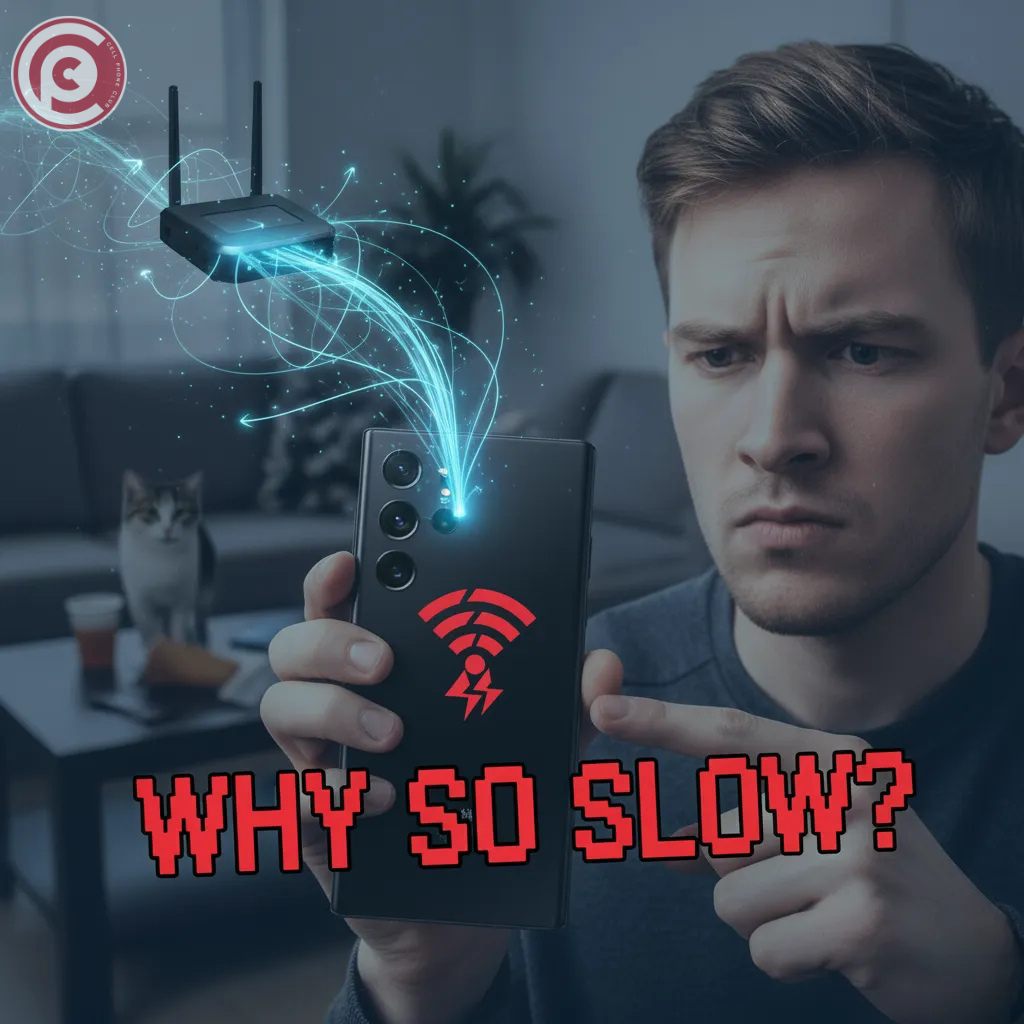
If you’re using Android and thinking why is my phone internet so slow, let’s get specific. Android phones often run multiple background services like Google Play updates, app syncing, and system checks. These eat up both data and performance.
Go to Settings → Data Usage and see which apps are consuming the most. You’ll likely find culprits like YouTube or Play Store updates running behind the scenes. Disable background data for those apps. Also, check your Battery Saver Mode — it sometimes restricts performance and slows down connectivity unintentionally.
Read Also: Battery Health Check Online Android 10 Methods
Why Is My Internet So Slow on My Android Phone
Android phones have powerful tools — but when misconfigured, they slow things down. Start by turning off Data Saver, as it limits how apps use mobile data. Then, clear cache partitions from your settings or via recovery mode.
If that doesn’t help, do a Network Reset. This restores all default connection settings without erasing personal data. Lastly, avoid cheap or unofficial chargers; unstable voltage can cause minor hardware interference with your modem chip. Yes, even your charging habits can indirectly affect internet performance.
Why Is My Mobile Data So Slow
When you’re out and about and your mobile data crawls, the problem might be signal overlap. In crowded areas like malls or stadiums, everyone connects to the same tower, causing congestion. You can test your actual speed using apps like Speedtest or Fast.com.
If results show less than 1 Mbps in strong-signal areas, your SIM might be aging or damaged. SIM cards wear out over time and can’t handle higher data rates. Replacing it at your carrier store can make a world of difference — it’s often free and surprisingly effective.
Data Connection Problem in Android Mobile
For Android users facing a data connection problem, start by checking your APN settings. They’re like your phone’s “address” for connecting to your carrier. One wrong character and data won’t flow properly. You can usually find correct APN settings on your carrier’s website.
Also, ensure that Mobile Data Roaming is off when you’re in your home region. If enabled accidentally, your phone may try to connect to slower partner networks. Resetting your APN and restarting the phone usually clears these issues in seconds.
Common Mistakes That Make Your Mobile Data Slow

Most slow data issues come from simple user mistakes. Here are a few common ones:
-
Leaving too many apps open in the background.
-
Using VPNs constantly, which reroute and delay data.
-
Ignoring software updates that fix network bugs.
-
Keeping data saver or battery saver on all the time.
Avoiding these habits keeps your connection stable. It’s like decluttering your digital workspace — once you remove the clutter, everything moves faster.
How to Speed Up Your Phone’s Internet Instantly
Need a quick boost? Here’s how to fix slow service instantly:
-
Turn Airplane Mode on and off — this forces a clean reconnection.
-
Restart your phone to clear temporary bugs.
-
Delete browser cache and close unused apps.
-
Move to an open area for stronger signal reception.
-
Switch between Wi-Fi and mobile data depending on which is stronger.
These five steps can dramatically speed things up in less than two minutes.
When to Contact Your Network Provider
Sometimes, no matter what you do, your phone remains sluggish. That’s when it’s time to call your carrier. They can check if your area is affected by outages or overloaded towers.
Ask them to refresh your network registration or issue a new SIM card. In some cases, your phone might not be properly provisioned for high-speed data. If you’ve already done all the troubleshooting and speeds remain under 1 Mbps, your provider may need to intervene from their end.
How to Prevent Future Slow Internet Problems
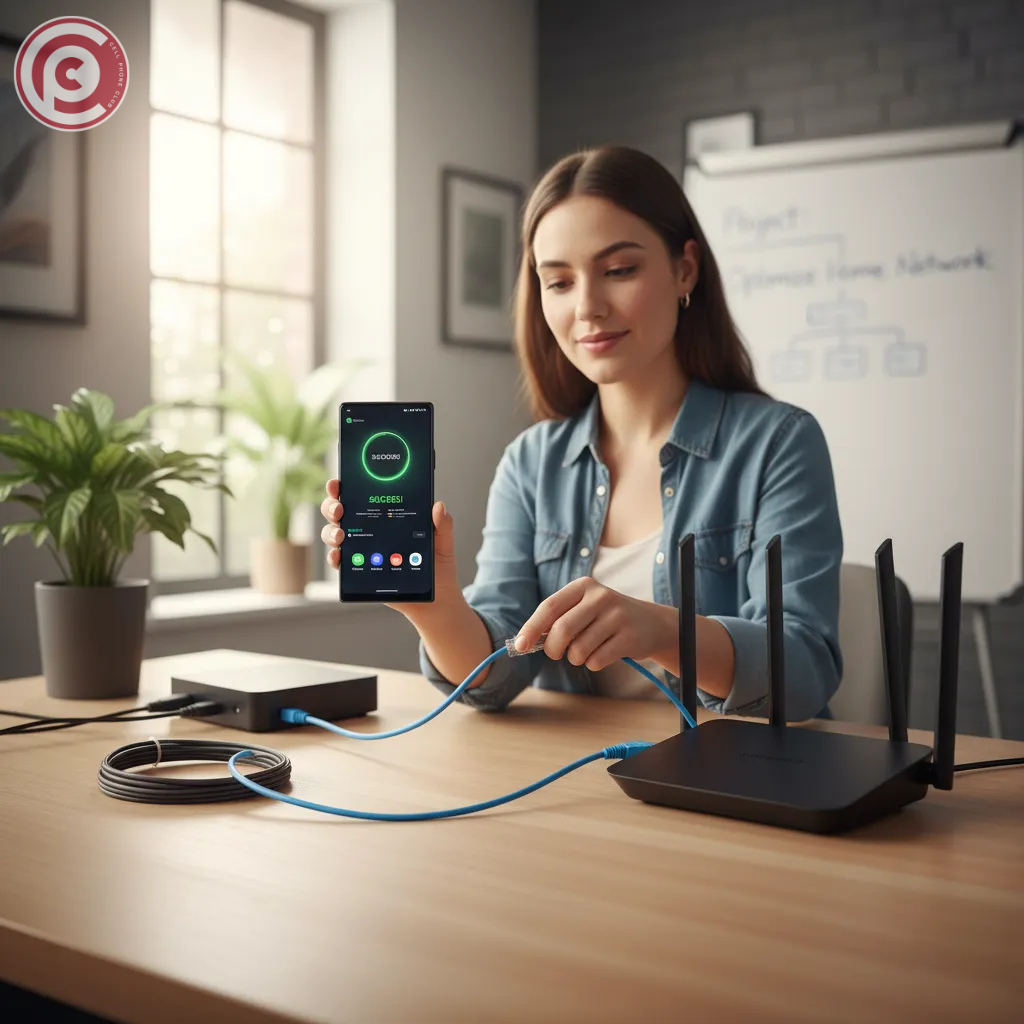
Keeping your data fast is easier than fixing it later. Here’s how:
-
Update your phone regularly for performance patches.
-
Restart your device weekly to clear cache and reset network tasks.
-
Limit background app refresh in settings.
-
Use trusted apps only — avoid those that constantly sync data.
-
Keep your SIM and device clean and properly seated.
By maintaining these habits, you’ll rarely have to ask why is my phone service so slow again.
Conclusion
There’s nothing more annoying than laggy mobile service when you need it most. But now you know exactly what causes it and how to fix it. From simple airplane mode resets to understanding throttling and signal congestion, every issue has a solution. Your phone isn’t broken — it’s just fighting through digital traffic. Take a few minutes to apply these fixes, and soon, you’ll be back to smooth streaming, quick browsing, and zero frustration.
FAQs
1. Why does my phone have full bars but slow data?
Full bars only show signal strength, not speed. Network congestion or throttling can still slow you down even with perfect signal.
2. Does 5G always mean faster internet?
Not necessarily. If the 5G signal is weak or your phone isn’t optimized for it, 4G may actually perform better.
3. How do I know if my carrier is throttling my data?
If your speed drops drastically after heavy use, check your data plan for usage caps. Carriers often slow speeds past certain limits.
4. Will resetting network settings delete personal data?
No — it only erases Wi-Fi passwords and APN info. Your photos, apps, and files stay safe.
5. Why is Wi-Fi fast but mobile data slow?
Wi-Fi uses your router’s local network, while mobile data depends on tower distance and network congestion.
6. Can background apps slow my data?
Yes! Apps that constantly sync, update, or upload data steal bandwidth in the background.
7. How often should I restart my phone?
Once a week is ideal. It clears memory and refreshes your connection to the network.
8. Can an old SIM card cause slow speeds?
Absolutely. Older SIMs may not support newer LTE or 5G technologies, causing data bottlenecks.
9. Why is my internet slower indoors?
Walls and obstacles weaken signal strength. Try moving closer to a window or stepping outside.
10. Is my phone hardware affecting internet speed?
Yes. Older phones with outdated modems can’t process high-speed signals efficiently.
11. Should I use a VPN on mobile data?
Only when necessary. VPNs encrypt traffic but also slow connection speeds slightly.
12. What’s the best way to test my mobile data speed?
Use apps like Speedtest.net or Fast.com to measure download and upload speeds accurately.
13. Can my battery saver mode slow my internet?
Yes. Battery saver limits background activity and can reduce performance in network tasks.
14. Does weather affect mobile data speed?
Heavy rain or storms can slightly interfere with tower signals, especially in rural areas.
15. How can I avoid slow data in the future?
Update your device, avoid running too many apps, and restart your phone regularly to keep connections smooth.